
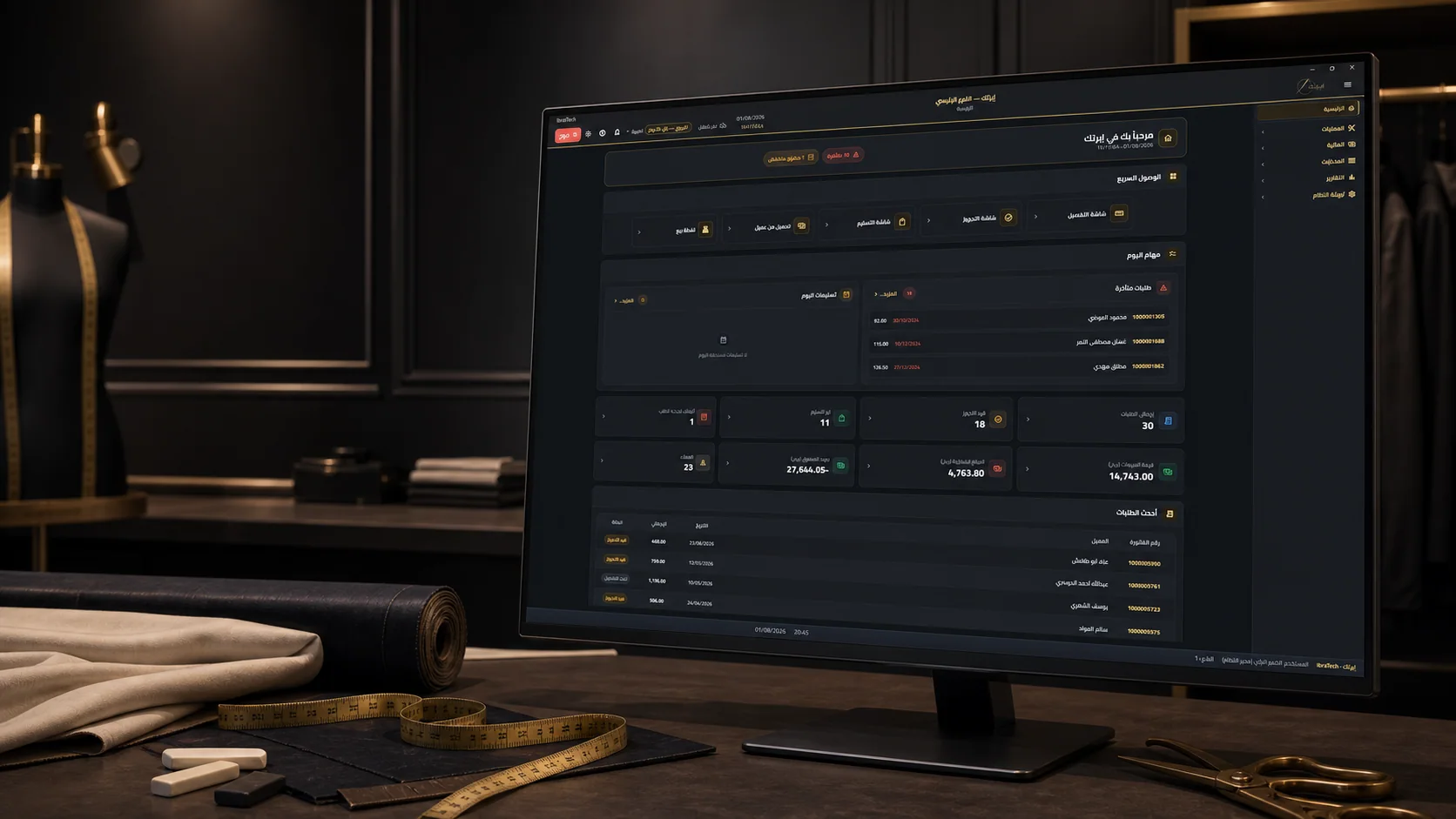
Choosing a Tailoring ERP and POS in Saudi Arabia: A Demo Checklist
Evaluate a tailoring system with real orders: measurements, deposits, fabric ownership, alterations, invoices, and data export. Turn a sales demo into a useful acceptance test.
A tailoring shop needs to know more than what was sold. It needs to know which measurement version the cutter used, who supplied the fabric, what the customer has paid, and whether an alteration changes the collection date. An attractive POS screen can hide gaps in those connections. When evaluating an ERP or POS in Saudi Arabia, ask the supplier to complete your actual workflow before comparing package names or counting features.
Bring orders, not a feature wishlist
Prepare a small demonstration pack with anonymized examples from your shop. Include a new customer buying fabric and tailoring, a returning customer with revised measurements, a customer bringing their own fabric, and an alteration after a fitting. Add a cancelled order and a partially paid order. For each example, write the expected final stock balance, amount due, production status, and document. The same pack lets you compare suppliers on observable outcomes.
Start with the measurement record. Ask the demonstrator to create two garments for the same person, revise one measurement, and reopen the original order. Can staff identify the version used for that garment? Can they distinguish the customer's measurements from a relative's records under a shared contact number? Test the units, garment-specific fields, fitting notes, and attachments you need. Confirm who may edit a record and whether the change can be traced.
Follow the fabric and the money
Next, follow fabric through a complete order. Store-owned stock and customer-supplied material should remain distinguishable in the workflow. Demonstrate a reservation, actual consumption, a remaining length, and a damaged piece. Ask how remnants and accessories are recorded and how the team corrects an entry without disguising a loss. If you work across branches, transfer material between them and check that neither branch sees stock that is no longer available.
Run the same exercise for money. Record a deposit, add an agreed alteration, collect the balance, and then process a return or cancellation appropriate to the example. Your cashier should be able to explain the figures without a separate notebook. Compare the customer's receipt with the order balance and the end-of-day cash report. Have your accountant decide how your particular transactions should be documented; the demonstration should follow that decision instead of assuming every payment is handled identically.
Verify invoicing and daily operation
For electronic invoicing, confirm your applicable ZATCA obligations with the official guidance and your notification. Phase 2 is introduced through taxpayer waves. Ask the provider to demonstrate the relevant invoice and credit-note workflows in the appropriate test environment, including an unsuccessful submission and its resolution. Specify who owns onboarding, configuration, and ongoing support. ZATCA's technical guidelines describe validation tools, but passing a file check is only one part of evaluating the operational workflow.
Put the system in front of the people who will actually use it. Let a cashier enter an order in Arabic, a production supervisor assign it, and a manager review its status. Check your actual printers, receipt widths, barcode labels, and workstation setup. Ask what happens when the internet or a device becomes unavailable, which functions remain usable, and how work is reconciled afterward. Record the demonstrated behavior instead of relying on the word 'cloud' or 'offline'.
Test the handover and recovery
Migration deserves its own rehearsal. Export a sample of customers, measurements, open orders, balances, and stock from the old system. Agree on a mapping, identify duplicates, import a small batch, and reconcile it with the source. Decide which history must be searchable and which can remain in a separate archive. Assign an owner to sign off the totals before switching the counter to the new system, and keep a documented way to reverse the cutover if reconciliation fails.
Ask for a practical recovery and exit demonstration. Who controls the account and administrator access? What is backed up, how often, and who can restore it? Request a sample export and check whether it includes usable identifiers, order history, and attachments you need to retain. Discuss employee permissions and access after someone leaves. These questions belong in the buying process because a system is part of your operating records, not just a screen at the counter.
Make the buying decision reviewable
Build a comparison sheet with one row per requirement and columns for demonstrated, configurable, custom development, and unavailable. Add the responsible person, acceptance evidence, and any recurring cost. Compare setup, data migration, training, devices, integrations, support, and future branch additions separately. A lower entry price can still be suitable, but the excluded work needs an explicit owner and budget. Avoid treating a promised future feature as an accepted feature today.
Finish with a limited pilot and written acceptance criteria. Choose representative staff and orders, review errors daily, and agree who can authorize a wider rollout. IbraTech's product page describes PCC Group's tailoring workflows and integrations; use that scope as a starting point for the same demonstration checklist. Bring your order examples and operational questions to a discussion so the proposed configuration and any remaining work are clear before you commit.
Sources
Related services
Stay Updated
Subscribe to our newsletter for the latest insights and company news.