
Project walkthrough · Beauty, fashion & e-commerce
Asiella Beauty & Fashion
Explore Asiella’s Arabic and English storefront: product categories, detailed product pages, cart and checkout, special requests, and WhatsApp ordering.
Visit the project website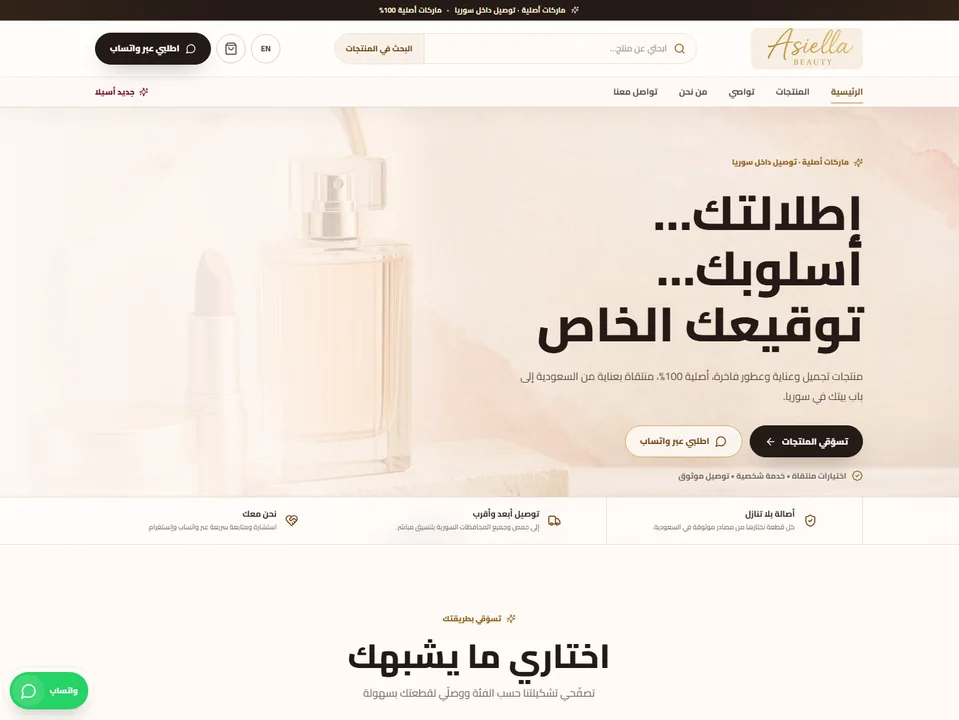
The website and its visitor experience
Asiella brings cosmetics, skincare, fragrances, and fashion pieces into one bilingual storefront. This project walkthrough follows the shopping experience shown in our portfolio, from finding a product to choosing an order channel.
A multi-category store needs to make its range easy to explore while leaving room for product-specific questions. Asiella’s website brings category navigation, product details, a cart, and direct WhatsApp ordering into the same customer journey. Arabic and English views give shoppers a language choice without changing the store’s identity.
Inside the experience
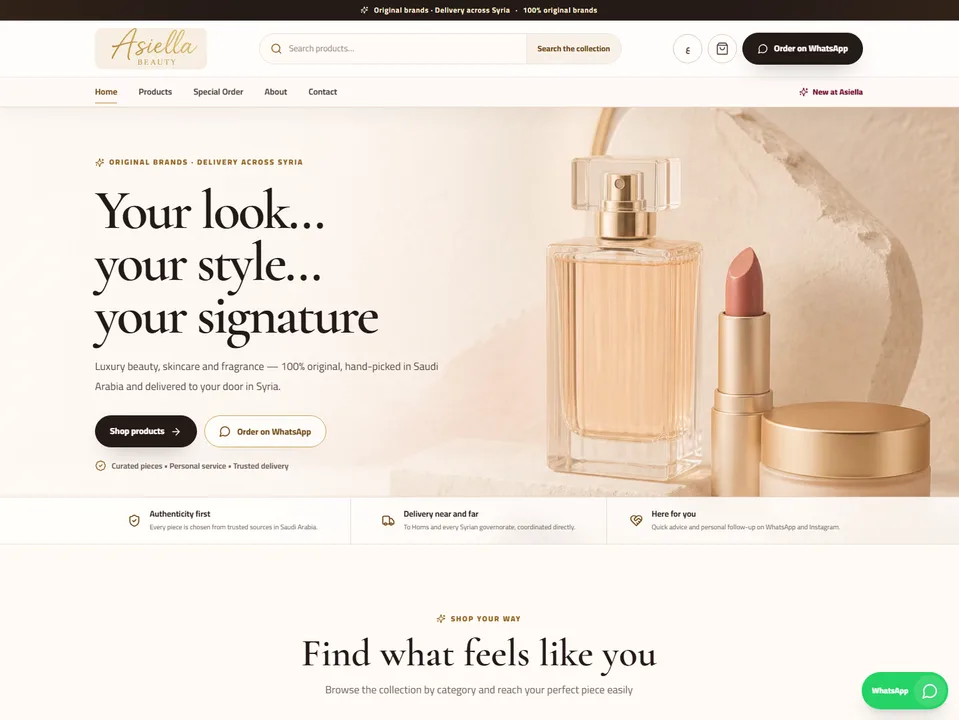
A recognizable storefront in two languages
The Arabic and English home screens use the same warm palette and product-led imagery, with the page direction and navigation adapted to each language. Search, product browsing, the shopping bag, and WhatsApp remain visible entry points.
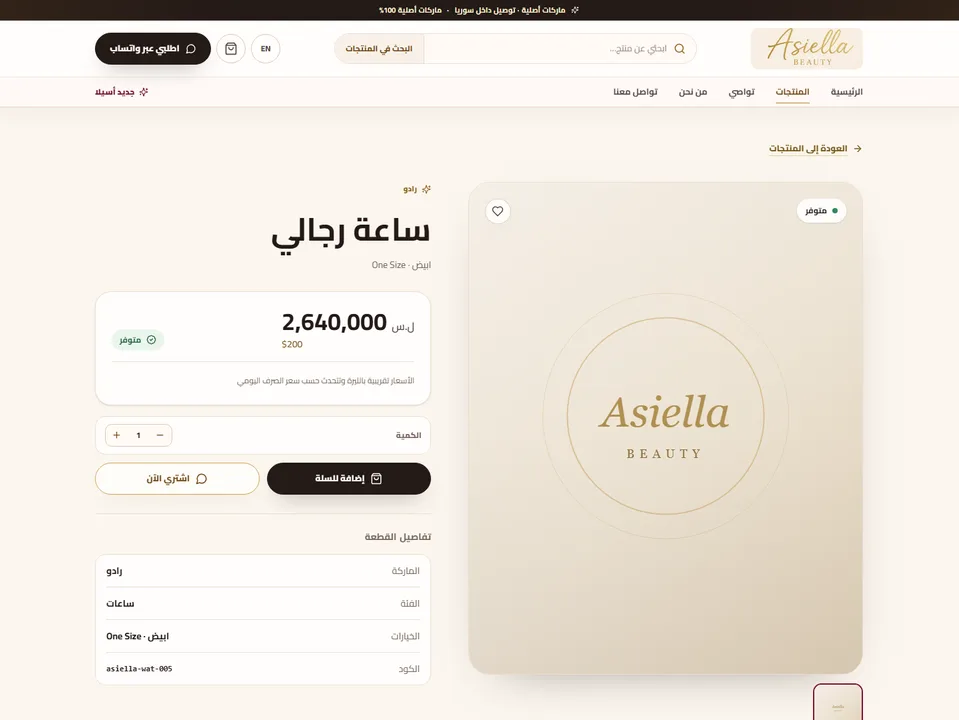
Products with the details needed to choose
Category browsing leads into dedicated product pages. The portfolio example shows a product name, availability, price, quantity control, and item details together, followed by separate actions for adding to the cart or ordering through WhatsApp.
More than one way to place a request
The published project includes a cart and checkout flow as well as direct WhatsApp ordering. A separate special-order route accommodates requests beyond the standard browsing journey. These are distinct customer actions, so a buyer can choose the route that fits the request.
The visitor journey
- Browse a category or search for a product.
- Review the item’s details, availability, and quantity.
- Continue with the cart and checkout, or ask through WhatsApp.
- Use the special-order route for a separate product request.
Project screens
A project in PCC Group Programming Division’s portfolio. Screenshots come from our published project gallery.
Planning a similar website?
Prepare these details for the discussion
For a similar store, the useful starting point is your catalog and the way you actually accept orders. Decide which products can follow a standard checkout and which need a conversation first. Use this walkthrough to compare the page structure and order features your own store needs.
- Product categories, variants, prices, and photography
- Arabic and English product content
- Checkout, delivery, payment, and special-order requirements
- Who receives WhatsApp requests and maintains the catalog