Your Logo on an NFC Stand: Custom Design Options, Prices and Artwork
Add your logo, wording or supplied artwork to a review stand, pocket card, social sticker or menu circle. Compare per-piece customization prices and prepare a clear design brief.
In this article
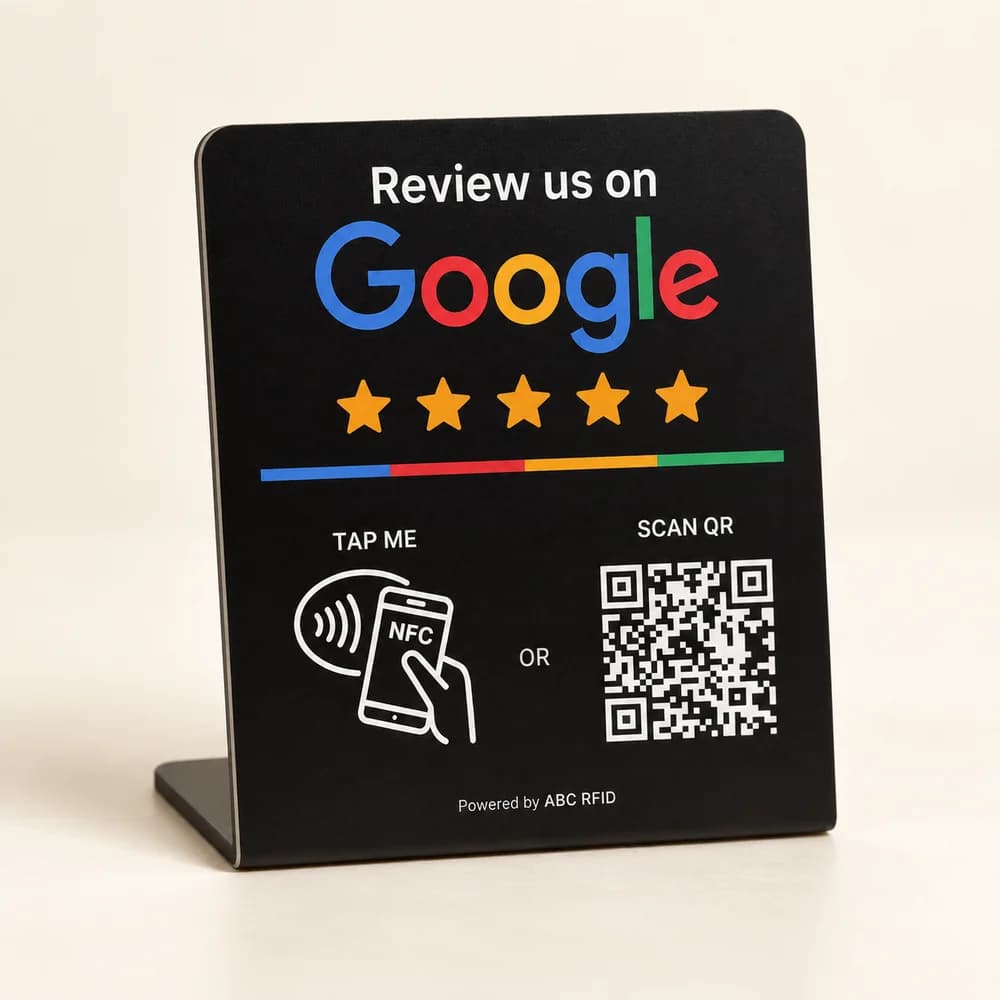
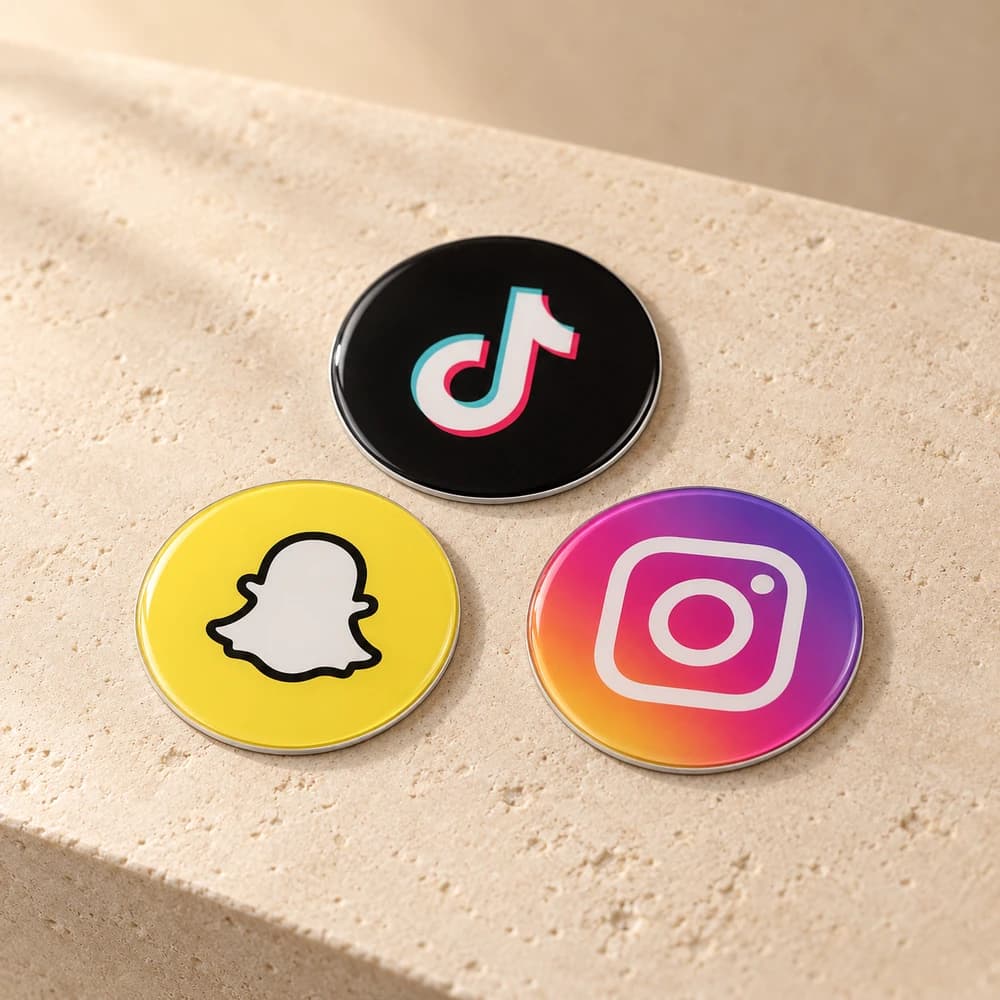
Your counter, reception area and tables already say something about your business. An NFC product can belong to that same visual identity. PCC Group offers optional customization for review stands, pocket cards, social media stickers and menu circles: add your logo, choose your wording or share artwork you would like us to use. Start with the product's job, then give the design enough room to explain it clearly.
Choose what the customer should notice
For a review stand, the main message should invite the customer to share their experience. For a social sticker, it should identify the account or platform. A menu circle should make opening the menu obvious. Your logo helps customers recognize the business, while a short instruction explains the action. A crowded design can make these two jobs harder, so choose the most useful message rather than trying to fit a complete advertisement onto the product.
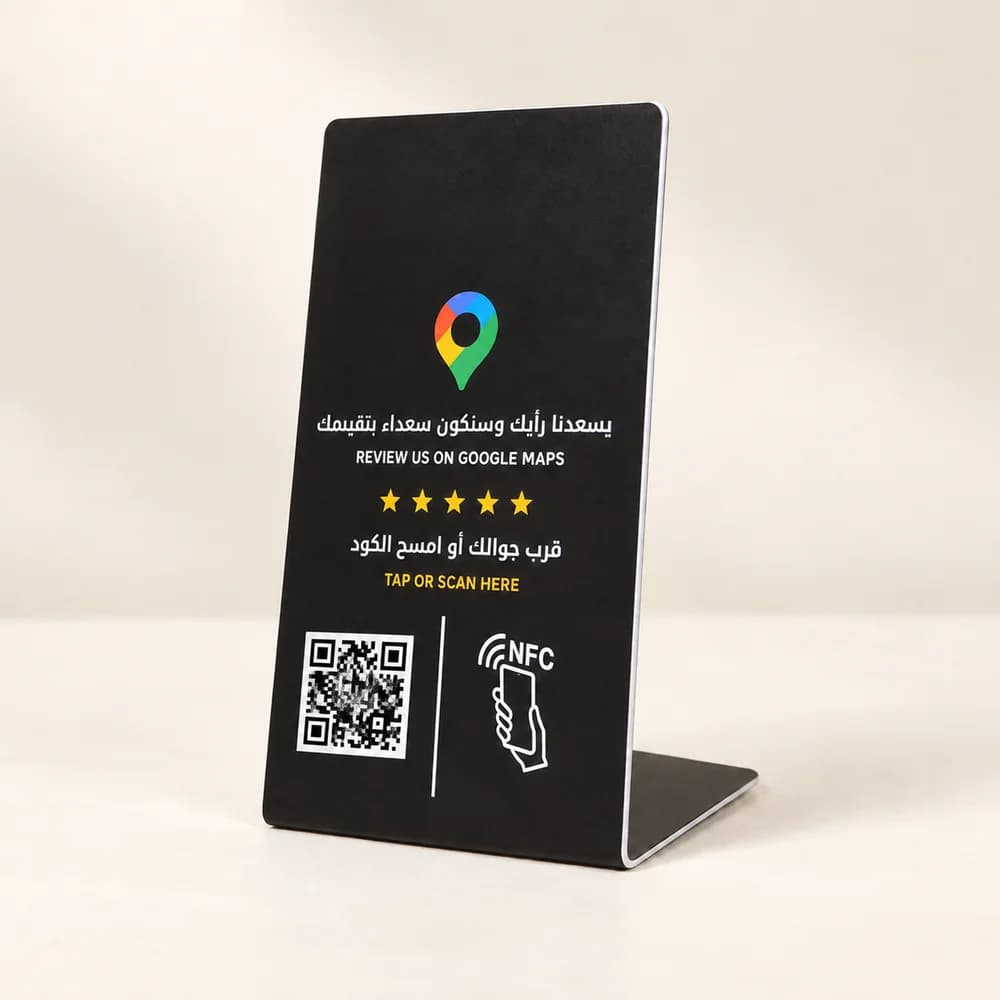
The medium review stand has four standard themes at the same base price. Each theme can have several layouts, so the photographs are examples and do not guarantee an exact artwork match. Choosing a standard theme is included in the price. Choose paid customization when you need your own logo, specific wording or supplied artwork. The larger stand offers a more prominent display; the pocket card suits a portable invitation. Standard artwork on stands and cards may differ from the photographs; use them to compare formats before deciding what fits your counter or team.
Prepare your logo, wording and destination
Send the clearest logo file you have, the exact text to print and a reference for your preferred colours or layout. If a designer prepared your artwork, share the original file as well as a preview where available. Ask our team to confirm suitable dimensions and file requirements for the selected product before final export. A screenshot can explain an idea, but it may not provide the detail needed for the final design.
For bilingual artwork, write out the Arabic and English wording separately and confirm the business name in both languages. Keep essential instructions short enough to read at the intended viewing distance. Also send the final review, social profile or existing menu URL. The visual design and the NFC destination are separate parts of the order: a correct logo cannot confirm that the link points to the right branch, account or menu.
Calculate customization for every piece
Customization is an addition to the product price and is charged per piece. A medium stand is 119 plus 39 for customization, totaling 158. The large stand is 149 plus 49, totaling 198. The comparison below shows the same calculation for every product. Multiply the customization fee by the number of pieces you want to personalize.
| Product | Standard product | Customization added | Customized total |
|---|---|---|---|
| Medium review stand | 119 | 39 | 158 |
| Large review stand | 149 | 49 | 198 |
| Pocket card | 39 | 19 | 58 |
| Social media sticker | 9 | 5 | 14 |
| Menu NFC circle | 19 | 9 | 28 |
For example, two medium stands with the same custom design total 316. The standard medium-stand-and-card duo costs 139. You can customize the stand, the card or both; customizing both adds 58 per duo, making 197. These totals cover the products and selected customization. Delivery, applicable VAT and any additional services are confirmed separately in your quote.
Check the design and the working product
Before production, agree the artwork details and review spelling, logo clarity, colour choices and the intended message with our team. Keep the access instructions readable: medium and large review stands include NFC and printed QR codes, while social stickers and menu circles use NFC. The pocket card uses NFC and comes with a separate digital QR graphic. A custom design should preserve the chosen product's useful access points.
Your final checklist is simple: correct product, quantity, logo, exact wording, approved layout and tested destination. At handover, check that the finished product opens the intended page using a compatible phone, and test the printed QR code where included. Use the customization section on the product page to compare options, then select the pieces you want to personalize in the package builder. Share the files and any mixed-product requirements when discussing your final quote.
Sources
Related services
Make your NFC product your own
Choose the product and quantity, then share your logo, wording or artwork so we can confirm the customization details.