NFC Google Review Stands: Sizes, Prices and an Honest Review Workflow
Compare medium and large review stands with the pocket card, understand NFC and QR access, and test your review link before placing a stand at the counter.
In this article
An NFC Google review stand gives a customer a short route from your counter to your business's review page. It does not write a review, choose a star rating or publish anything on the customer's behalf. The useful buying question is where the invitation belongs in your service: a fixed reception point, a checkout counter, a table or a staff visit. Start there, then compare the physical format and how customers will open the link.
Choose the format around the customer interaction
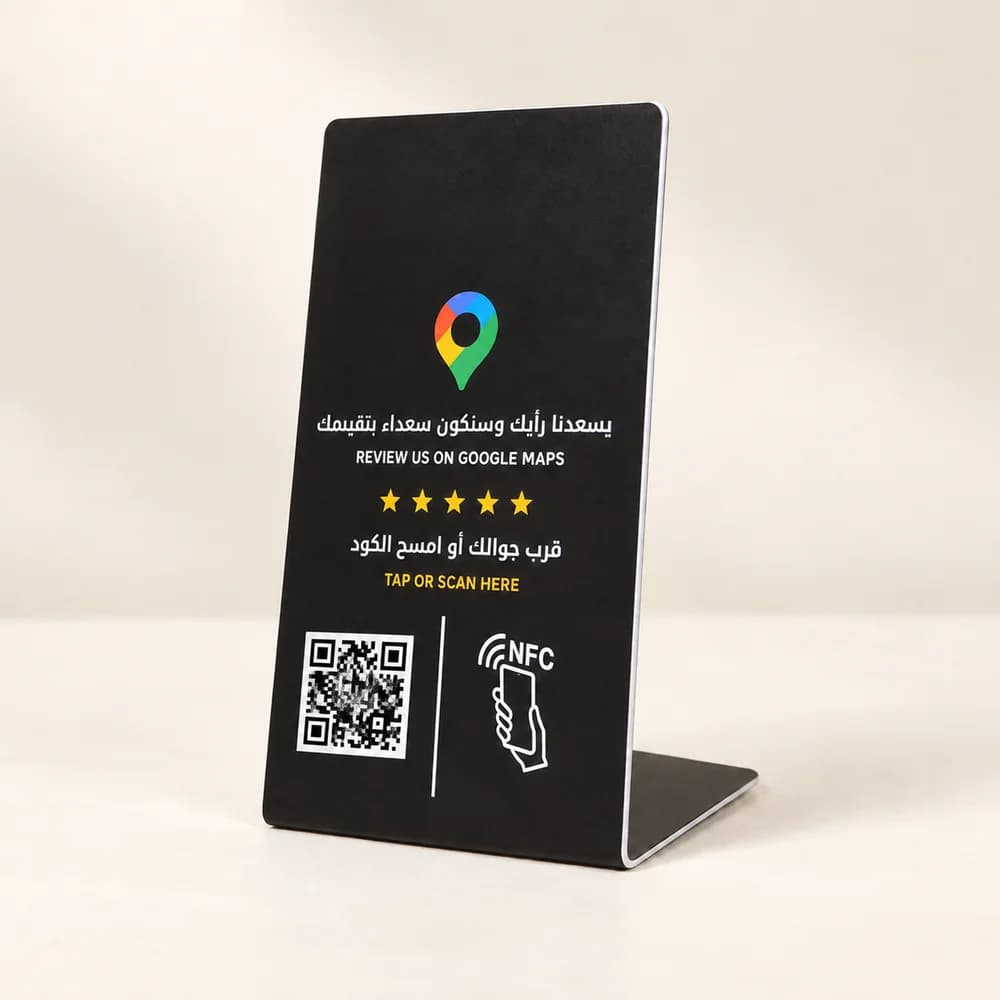
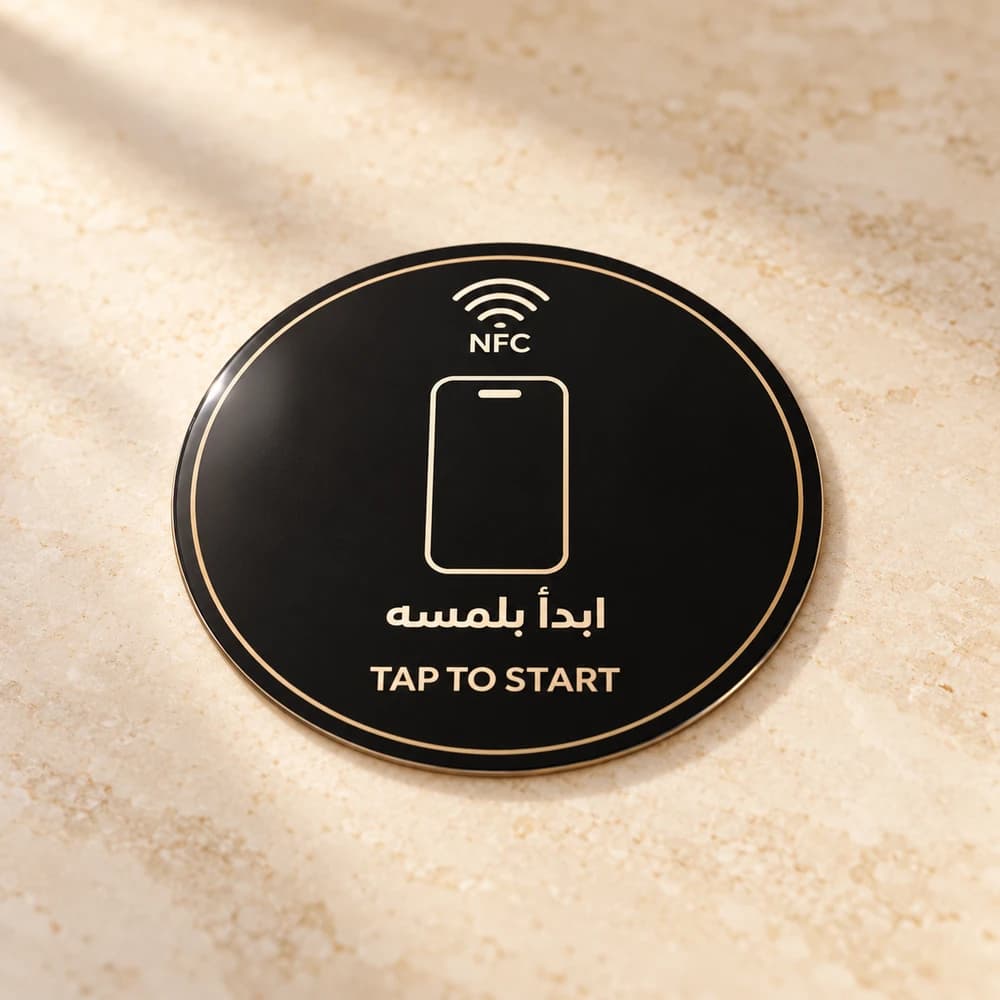
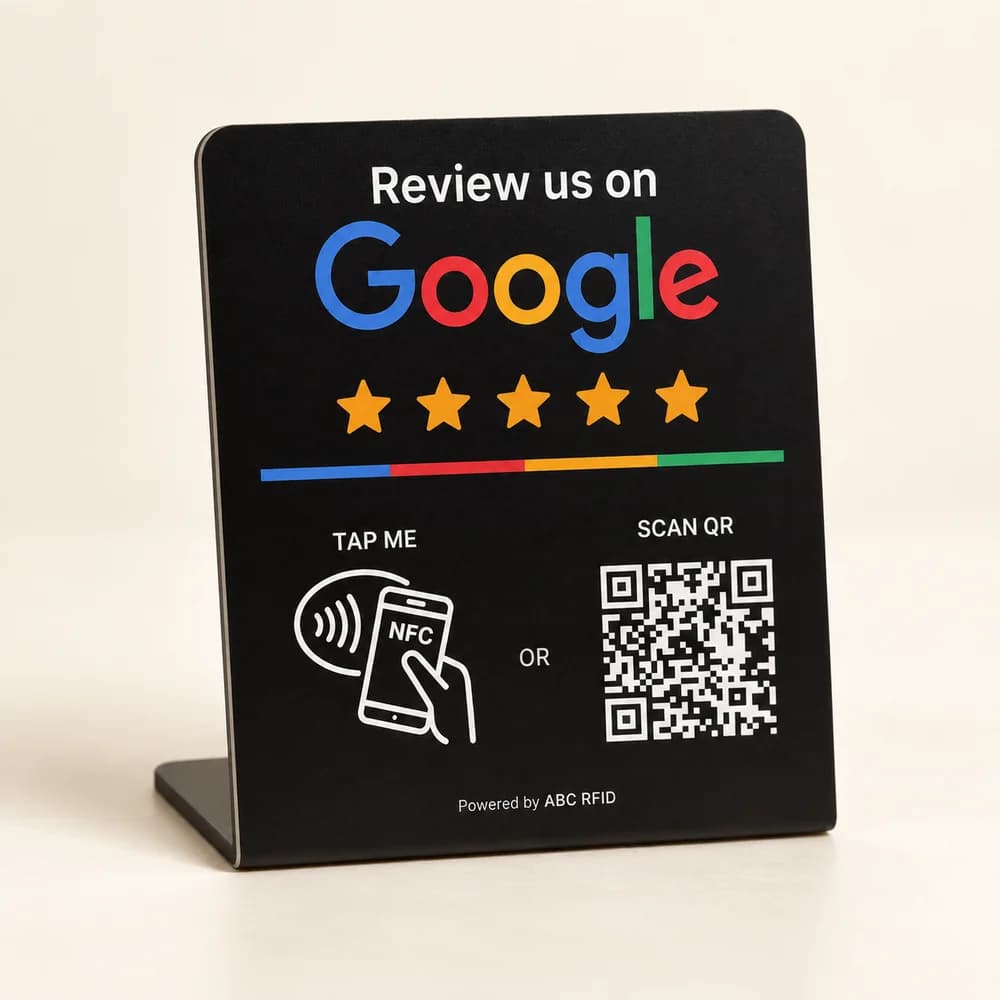
For a fixed checkout, the medium stand is a practical starting point. Its four standard themes have the same price and include NFC plus a printed QR code. Each theme may have several layouts: photos show examples, and the final standard artwork may differ. Choose the large stand when a more prominent display suits the available space. Check the actual placement against nearby signs, payment terminals and customer belongings. A larger surface does not guarantee more reviews; the invitation still needs to be easy to notice and comfortable to ignore.
The pocket card suits a member of staff who moves between tables, appointments or customer visits. It opens the configured link through NFC. PCC Group supplies a separate digital QR graphic with the card, but the card itself does not have a printed QR code. The medium-stand-and-card duo combines a counter position with a portable invitation. Before buying several units, decide which business location each one should point to and who will look after it.
| Product | Access | Standard unit price | Typical placement |
|---|---|---|---|
| Medium stand | NFC + printed QR | 119 | Counter or desk; four standard themes |
| Large stand | NFC + printed QR | 149 | A more prominent reception display |
| Pocket card | NFC; separate digital QR graphic | 39 | Staff visits or table service |
| Medium stand + card | Each product keeps its access methods | 139 | One counter and one portable card |
Prepare the right link and test both access methods
Get the destination from the business owner's Google Business Profile. Google's review-link guide explains how to open the reviews controls, choose the option to get more reviews, and copy the review link or download its QR code. Check the business name and branch before sending the link for setup. A Maps search result for a similarly named company is not a reliable substitute. Keep the confirmed destination in your handover notes so a future test has something to compare against.
Test with representative phones before installation. For NFC, the phone must support and have the relevant functionality enabled; the reading position and user prompts can vary. For the medium and large stands, scan the printed QR code as a second route. Check that both methods reach the correct profile and that the customer can continue from there. An internet connection is needed for the online destination. Do not promise that every phone will respond identically, and keep staff able to explain the alternative.
Invite feedback without steering the rating
Google's Maps content policy allows requests for genuine feedback, while prohibiting incentives, selectively soliciting positive reviews and pressuring customers to review on the premises. It also prohibits requesting particular review content. A neutral invitation works better as an operating rule: 'If you would like to share your experience, the review link is here.' Leave the timing, words and rating to the customer. Do not use a satisfaction question to show the Google link only to people who say they are happy.
Staff need a simple process for both feedback and support. If a customer raises a problem, deal with the problem and offer the usual support route, independently of whether they review the business. Keep the stand visible without making it part of payment approval or service completion. During team training, rehearse a customer declining, asking for help with the phone, and wanting to complain. These are useful acceptance checks for the experience around the product, not just its NFC chip.
Approve the design and understand the total
Standard unit prices are 119 for the medium stand, 149 for the large stand and 39 for the pocket card. The medium stand plus card is 139 per duo. These products include configuration of your existing destination link. If the profile itself needs setup or improvement, review that service separately in the package builder rather than assuming the hardware price includes it.
A custom logo, wording or supplied design is optional and charged for each piece: add 39 to a medium stand, 49 to a large stand or 19 to a card. Two customized medium stands therefore total 316 for products and customization. For a duo, choose whether to customize the stand, card or both. Confirm the artwork and intended wording before production, keeping the invitation neutral and the access instructions readable.
Hand over a working process
Use a final handover checklist: correct branch, tested NFC, tested printed QR where included, approved custom artwork where selected, intended placement and a named person responsible for periodic link checks. After installation, review genuine customer feedback and the issues the team hears. A tap or scan is not evidence that a review was posted, and no stand can promise a particular Google ranking. Use the product page to compare formats and standard theme examples, then build the quantity and support level your location needs.
Sources
Related services
Choose the right review touchpoint for your business
Compare real product photos, choose a standard or custom design, and build a package with the quantity and support you need.