NFC Restaurant Menus vs QR Codes: A Practical Setup Guide
Choose a reliable menu link, compare tapping and scanning, test real tables and phones, and separate the cost of NFC circles from menu creation and hosting.
In this article
A restaurant menu circle is a physical shortcut to a menu that already exists online. Tapping it does not create the menu, update prices or add online ordering. NFC and QR can both bring a guest to a web address, but they ask the guest to interact differently. For a café or restaurant, the right choice depends on the table layout, the phones customers use and how well the destination works during a busy service. Plan those parts together before ordering a tag for every table.
The menu page matters before the table tag
Begin with the menu itself. Open its link on a phone using an ordinary mobile connection. Check the language choice, text size, current prices, categories and the route back after opening an item. If you use a PDF, inspect how much zooming and downloading the guest needs. A small, clear mobile page can be easier to maintain, but the best format is the one your team can keep accurate. Neither a tap nor a scan will fix a menu that is difficult to read.
Choose a destination you expect to keep. If a supplier hosts the menu, ask who owns the account, how prices are changed, what happens when the subscription ends and whether the URL remains usable. If you control a website, discuss a stable menu address with the person maintaining it. Changing the content behind a stable URL is different from changing the URL encoded in a tag or printed code. Confirm the update process before purchase instead of assuming remote reconfiguration is included.
Compare tapping with scanning
NFC uses short-range wireless communication; the NFC Forum explains how a reader interacts with a nearby tag. In this use case, a compatible phone reads the configured link and the guest follows the device prompt. A printed QR code is opened through a suitable camera or scanning function. Neither route promises universal device behavior. For an online menu, the customer still needs internet access. Explain the two actions separately: tap near the NFC mark, or scan the QR code where one is provided.
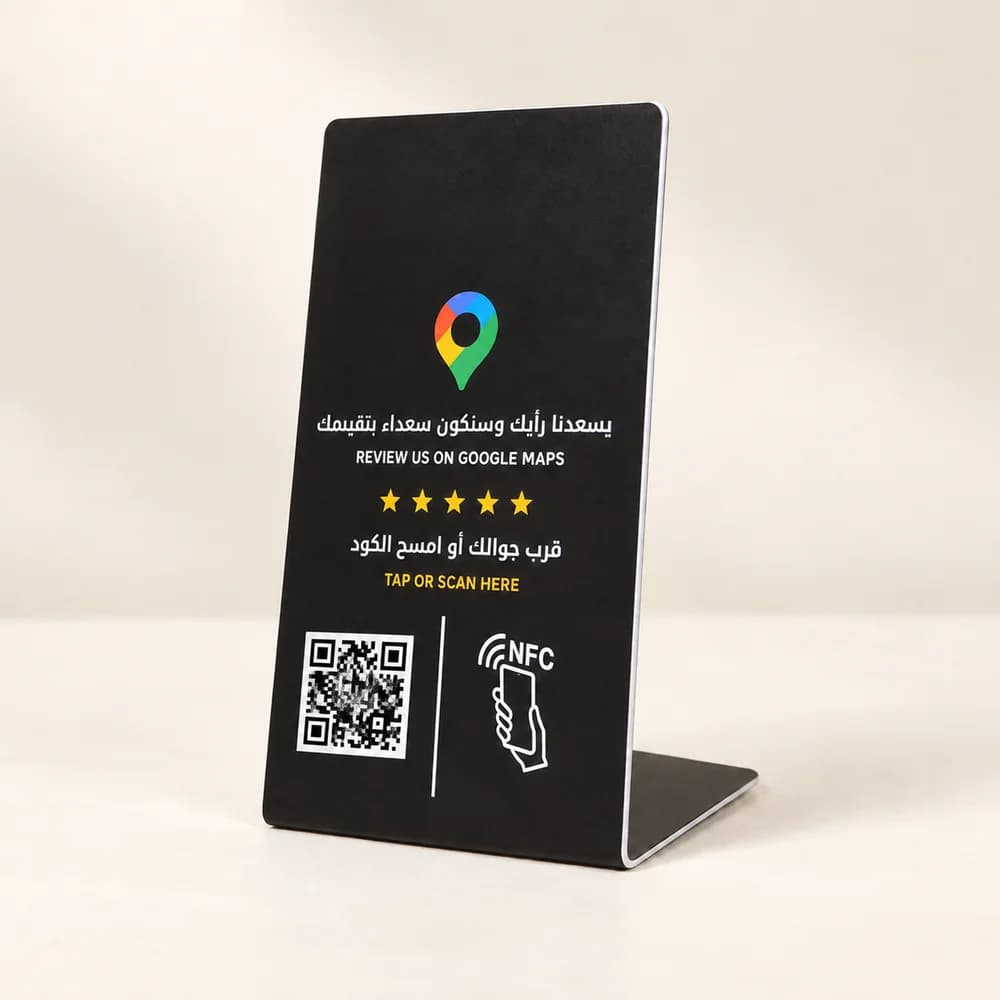
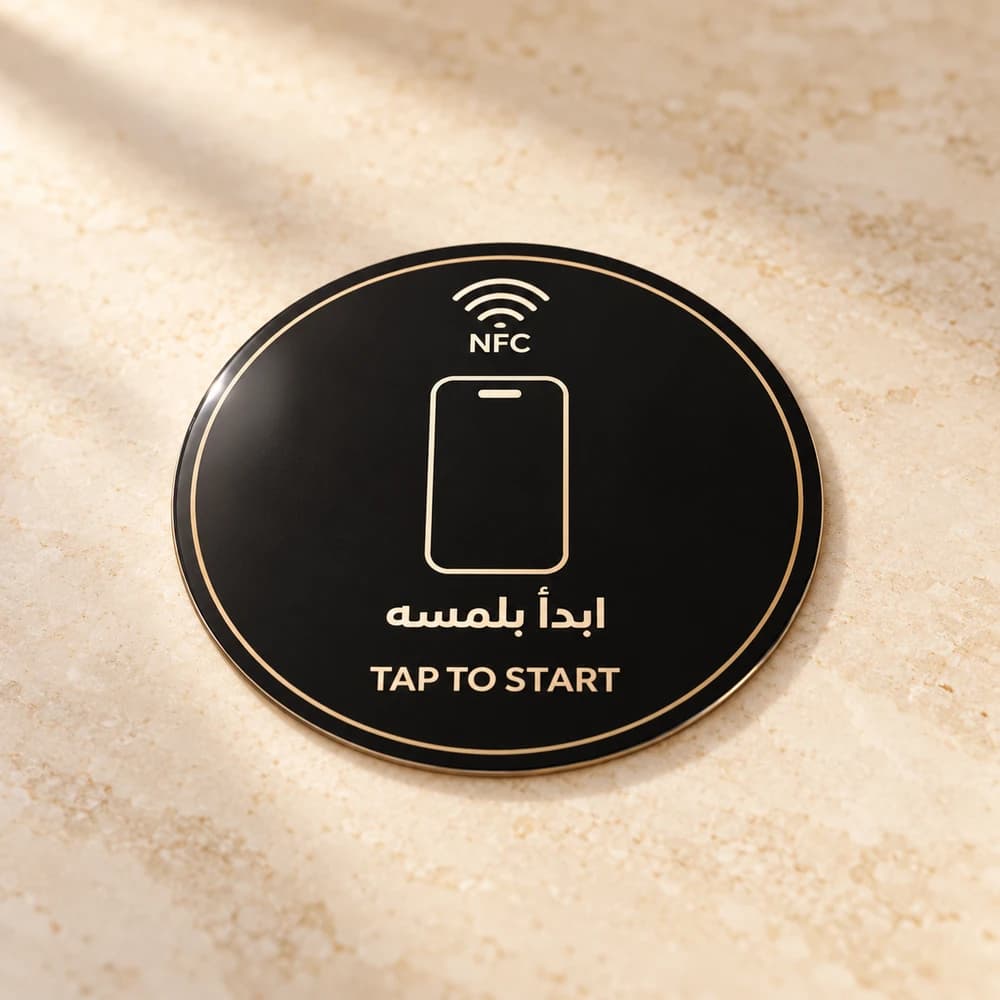
PCC Group's menu circle is an NFC product linked to your existing menu URL; it does not include a printed QR code. If you want scanning as a second route, plan a separate QR sign or printed menu element and agree that scope. This can be helpful for guests who cannot use NFC or prefer their camera. Keep a readable alternative available for someone without a usable phone or connection. Staff should be able to help them choose food without making the technology a condition of service.
| Check | NFC menu circle | Separate printed QR |
|---|---|---|
| Guest action | Bring a compatible enabled phone close; follow its prompt | Open a suitable camera or scanner and scan |
| Destination | Configured existing menu URL | Menu URL encoded in the printed code |
| Internet | Needed for the online menu | Needed for the online menu |
| What to test | Actual phone, tag position and mounting surface | Print clarity, lighting and scan distance |
| PCC product scope | Circle and existing-link setup | Not printed on the menu circle; scope separately |
Run a small table and phone test
Pilot one or two placements before rolling out. Use the intended table material and final position, then try several representative phones. Check whether a case, placement or surrounding objects make interaction awkward; ask the supplier to confirm the tag is suitable for the mounting surface. Let a staff member who did not set it up follow the printed instruction. Record the final menu URL, whether it opened, and any extra steps the guest needed. Resolve these issues before ordering the full quantity.
The useful acceptance test continues after the browser opens. Can a guest switch between Arabic and English, find drinks, read the price and return to the main categories? If the menu links to an ordering system, submit a controlled test order and confirm where it appears, how staff accept it and what happens when an item is unavailable. Menu viewing and order placement are separate workflows. Do not describe a link to a PDF as an integrated ordering system, and scope payment or kitchen connections separately.
Separate menu and social destinations
Social media stickers solve a different task: opening an existing profile. PCC Group offers Instagram, Snapchat, TikTok, X, LinkedIn, Facebook and YouTube options at 9 per individual sticker. The guest still chooses whether to follow, subscribe or interact. Keep a menu touchpoint clearly labelled as the menu and a social sticker clearly labelled for its platform. Sending a hungry guest to a social feed before showing the food creates an unnecessary extra task.
Give the team a small operating checklist. Check that the destination still opens after menu updates, that prices match what staff charge and that the visible label describes the destination. Inspect the physical touchpoint and any separate QR material for damage or unexpected overlays. Ask your supplier about appropriate cleaning and placement rather than assuming every product is suitable for heat, moisture or a particular cleaner. Nominate one person to coordinate menu changes so guests do not see conflicting versions at different tables.
Price the hardware and ongoing menu work separately
The NFC menu circle costs 19 per piece, with an optional custom logo, wording or design at an additional 9 per piece. Ten standard circles total 190, or 280 with customization on all ten. Social-sticker customization adds 5 per sticker. Menu creation, hosting, ordering features and separate printed materials are not included in the circle price. Bring your menu link, quantities and placement plan to review the product and any additional website work together.
Sources
Related services
Connect your menu or social profile with NFC
Bring your existing link, product quantity and placement plan. We can discuss NFC setup and any separately scoped menu or website work.