
Google Business Profile Setup in Saudi Arabia: Checklist, Cost and Ownership
Prepare your business details, check for an existing profile, plan verification and retain owner access. Understand Google's free listing and PCC Group's optional setup service.
In this article
A Google Business Profile helps customers inspect a location, opening hours, contact options and other business information in Search and Maps. For a Saudi shop or service business, the first project is to make that information accurate and manageable. Adding a pin is only one part of the work. Use this checklist to prepare the details, identify who controls the listing, and agree what a setup provider must hand over. It also separates the platform's free listing from paid professional assistance.
Confirm eligibility and find the existing listing
Check eligibility before starting. Google's rules generally require in-person contact with customers; online-only businesses do not qualify simply because they have a website. A storefront and a service-area business have different address arrangements, and service-area businesses should hide addresses where they do not receive customers. Review the official eligibility and representation guides for your operating model. Do not use a virtual or mail-only address or invent a branch to target a city where you have no eligible presence.
Search for the trading name, phone number and address before creating anything. Record any matching profile and ask the owner which Google account previously managed it. If there is an existing listing, investigate claiming it or requesting the appropriate access instead of adding another. For several branches, make a small register of profile links, addresses and responsible people. This prevents a supplier from treating an access problem as a reason to start again and helps you distinguish genuine locations with similar names.
Prepare one reliable set of business details
Prepare the name used in real-world branding, the correct category, address or service area, phone number, website, customer-facing hours and relevant service information. Google's representation rules call for accurate business identity and appropriate categories, rather than adding search phrases to the business name. Check these details with the person who runs the location. Your accountant's registered address, a delivery entrance and the entrance used by customers may serve different purposes; resolve the operational facts before submitting information.
Use a preparation sheet with an owner for each item. Ask the manager to approve regular and holiday hours, the front desk to test the phone number, and the website owner to check the linked contact page. Gather current photos of the real premises, entrance and work you are entitled to show. Write a concise description of what the business does and whom it serves. Keep Arabic and English wording consistent wherever you publish it, without stuffing location names into every sentence.
| Item | Prepare | Check at handover |
|---|---|---|
| Existing profile | Profile URL and known account owner | Correct location; access problem identified |
| Business information | Approved name, category, phone, hours and address model | Published details checked against your sheet |
| Photos and services | Current authorized photos and accurate service details | Content matches the actual business |
| Verification | Owner available for the method Google offers | Current status and next responsible person recorded |
| Ownership | Owner's Google account and authorized manager list | Owner can access and edit the profile |
Keep verification and ownership with the business
Google selects the verification methods available to a profile; the provider cannot choose or guarantee a particular method for every business. Follow the options shown for your account and prepare any requested evidence with the owner. Avoid promising a fixed approval date in the project plan. Agree instead who will respond if further information is requested, how progress is recorded and which remaining action belongs to your team. Setup assistance should make that process understandable, without presenting a third party as Google.
Keep the business owner in control of the profile. Google's ownership guidance recommends that the owner holds the account and grants authorized representatives management access. Use named roles rather than sending passwords around. In the handover, open the profile with the owner's account, verify access, and demonstrate how to change hours and contact details. Record which supplier accounts still have access, why it is needed and who removes it when the work ends. This should be a visible acceptance item, not an informal promise.
Understand setup fees and the handover
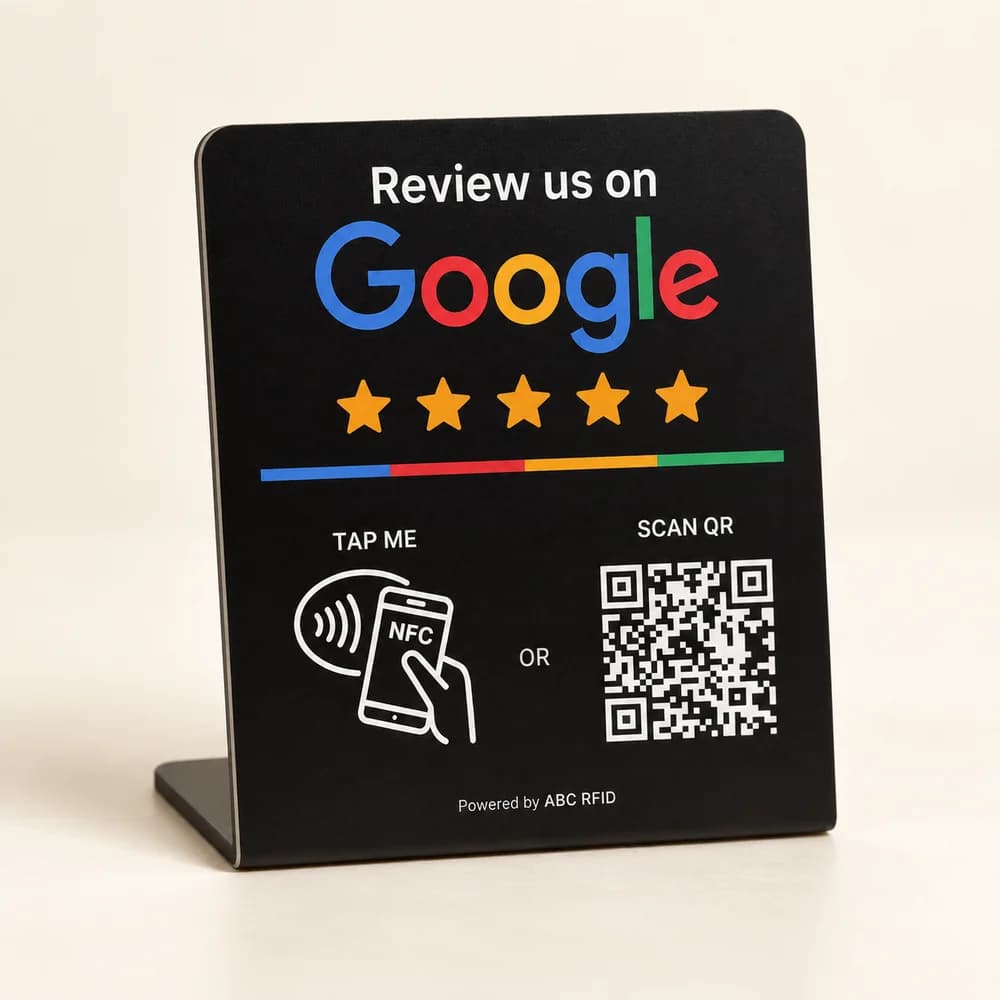
Google lets eligible businesses add or claim a profile at no charge. PCC Group's optional standalone setup assistance is 249 for one eligible business location; this is our service fee, not a payment to Google. If you are buying an NFC product, the Local presence package adds 200 once for one location. A medium stand with that package is therefore 319, and a large stand is 349, before customization or other additions.
The Local presence scope includes an existing-profile review or new-profile assistance, categories, description, hours and contact details, business-supplied photos and service information, verification guidance and owner handover. Confirm what is already complete and what remains dependent on the owner or Google. Ongoing maintenance is a separate choice. An additional eligible branch is also a separate scope; the package's additional-branch option is not the same as the standalone setup service. Use the builder to keep hardware, setup and monthly work distinguishable.
Improve what customers can actually use
After handover, test the customer journey: find the correct location, open the website, call during business hours and follow the directions to the entrance. Review information when operations change and give genuine feedback a consistent response process. Google explains local ranking through relevance, distance and prominence; nobody can purchase or promise a first position. Measure relevant calls and enquiries alongside available profile performance, and record changes before comparing periods. Bring your existing profile link and preparation sheet to PCC Group to scope the remaining setup work.
Sources
Related services
Prepare your Business Profile setup
Share your existing profile link, business details and access situation so we can review the setup or handover work your location needs.